Recommended Plugins
- Advanced Editor Tools
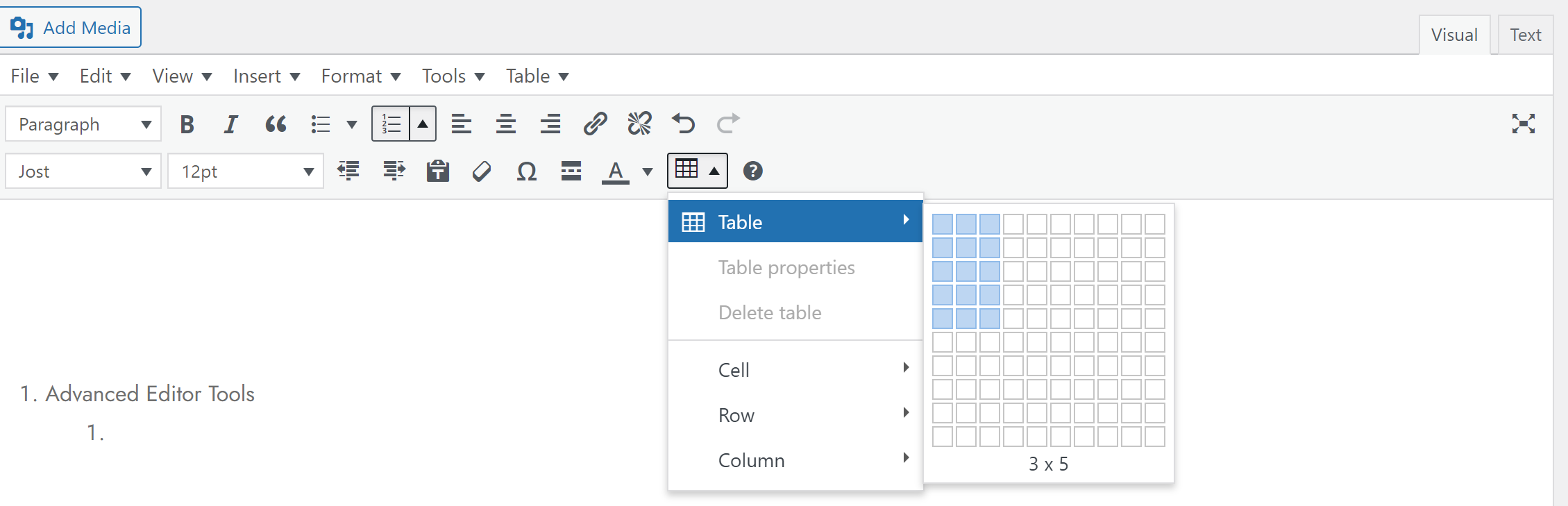
a. To manage tables conveniently: add, delete, edit
b. To highlight text (background)
https://wpmudev.com/blog/wordpress-highlight-text/ - WP-ShowHide
To toggle the visibility of part of the content.
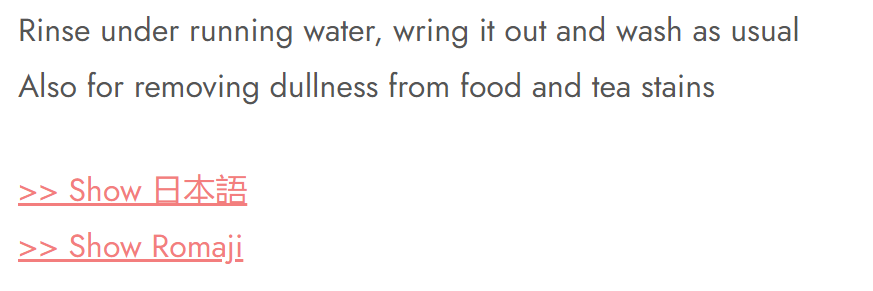
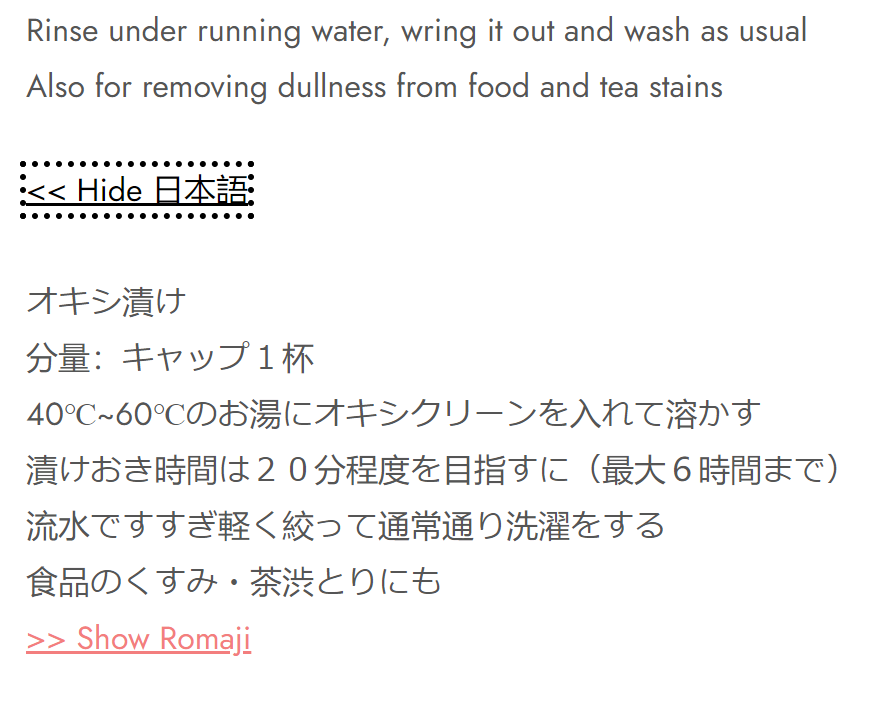
Example:
Hidden content
 Unhidden content
Code:
– Frequently used[showhide type="insertATypeHere" more_text="> Show Table" less_text="< Hide Table" hidden="yes"]
Important note(!): if this snippet doesn't work, re-type all the QM (quotation mark) in the snippet. More details, read here.
– Default value:
[showhide type="links" more_text="Show Links (%s More Words)" less_text="Hide Links (%s Less Words)"]Links will go in here.[/showhide]
- Password Protect WordPress Lite
To protect the entire WordPress site
- The Paste
To paste an image from a clipboard (normal copy-paste)
i.e., incorporating an image to a WP post/page without the need to upload the image from a file - File Manager
To edit, delete, upload, download, copy and paste files and folders. - Shortcodes Ultimate
- Tooltip: Display additional information as tooltip
* at first, wanted to try ACF Tooltip, but it cannot be activated due to a technical reason.
** alternative: add tooltip without plugin (CSS)
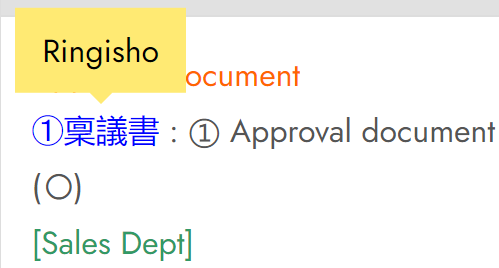
- Code:
– Frequently used (example)[su_tooltip title="" text="Ringisho" position="top" background="#FFEA73" color="#000000" font_size="16" text_align="left" max_width="300" radius="0" shadow="no" behavior="hover" class="" outline="yes" tabindex="yes" reference_tag="span" hide_delay="0"] ①稟議書 [/su_tooltip]
- Code:
- Easier to use if using Gutenberg (Block Editor), instead of Classic Editor (TinyMCE)
- Tooltip: Display additional information as tooltip
UNUSED
- Lightweight Grid Columns
To create columns on a page. Can later insert table into the column.
[lgc_column grid="70" tablet_grid="50" mobile_grid="100"] Content [/lgc_column]
[lgc_column grid="30" tablet_grid="50" mobile_grid="100" last="true"] Second content [/lgc_column] - HEIC Support
To convert image file (non-JPG) from iPhone/Mac to WordPress - BetterDocs
Journey finding sticky TOC (Table of Content), just like Wikipedia - Ultimate Blocks
Journey finding floating/sticky TOC (Table of Content), just like Wikipedia - Tooltips
Journey to find tooltip, ended up wanting to use tooltip with image (not only textbox)
–> but this feature is only for Pro version (paid version) - Akismet Anti-spam: Spam Protection
Default installation (but not activated by default) - Simple Custom CSS and JS
To insert Custom CSS –> effort to create a more compact table
Seems to still be heavily constrained by Theme (?) - The Plus Addons for Elementor
keyword: add image to tooltip wordpress
https://theplusaddons.com/docs/image-tooltip-in-elementor/ - Elementor
- Popup Anything – A Marketing Popup
https://www.greengeeks.com/tutorials/popup-on-click-wordpress/